Residential construction management software
Run every residential build from first lead to final payment.
ProBuilder OS connects CRM, estimating, projects, schedules, financial control, change orders, team activity, and client communication—so your company can grow without losing control.
14 days of Pro accessNo payment card requiredPrivate company workspace
Company command centerThursday, July 30
Open project tasks5 commitments
Overdue follow-ups2 need action
One connected platform
Stop rebuilding the story at every handoff.
Specialized workflows for sales, estimating, production, financial control, and clients—connected by the same job record.
01
Construction CRM
Keep every lead moving.
Qualify opportunities, assign ownership, schedule follow-ups, build estimates, and hand won work to production.Explore construction crm02Proposals
Present one clear project price.
Build detailed scope, set the exact proposal total and payment schedule, issue it for secure client acceptance, and preserve a downloadable signed receipt.Explore proposals03Project management
Turn plans into accountable work.
Coordinate project phases, tasks, schedules, daily logs, documents, and team responsibilities.Explore project management04Job costing
Protect profit while work is active.
On Pro and Business, budget labor, materials, subcontractors, and miscellaneous costs; separate commitments from actuals; record paid costs; review forecast profit by project and across the company; and export the cost ledger to CSV.Explore job costing05Client portal
Give homeowners one clear view.
Share progress, schedule information, documents, payments, change orders, approvals, and messages.Explore client portal06Company command center
See across the operation.
Monitor pipeline, active jobs, upcoming work, payment status, project risk, team activity, and next actions.Explore company command centerPro + Client mobile apps
Keep the project moving away from the desk.
Two purpose-built mobile experiences connect field teams and homeowners to the same authenticated project record used by the ProBuilder OS web workspace.
iPhone and Android store release in preparationPro app
Run today's work from the field.
Authorized staff can see assigned work, communicate with clients, and capture job context while it is still current.
- Daily follow-ups, tasks, and milestones
- Project-scoped client messaging
- Photos, short videos, files, and internal notes
- Explicit client-visible or internal-only sharing
- Role-scoped project financial overview for owners, admins, and assigned PMs
Client app
Give homeowners clarity without exposing internal operations.
Invited clients get a private view of the information your team deliberately publishes to their project.
- Private project messages
- Shared photos, videos, and documents
- Published invoices and payment status
- Progress, key dates, updates, and decisions
- Secure proposal review, acceptance, and signed receipt
One connected project record
What the Pro team shares is what the client sees.
Messages, client-visible files, invoices, published updates, and authorized project dates stay tied to the same job. Homeowners see the responsible professional as their project manager; internal sales roles remain internal.
The lead-to-project system
One continuous operating record.
Each stage builds on what came before, so your team keeps the context that protects the client experience, schedule, and margin.
01
Lead
Capture the client, project, property, budget, timing, source, and next action.
02
Proposal
Turn qualified scope into one exact project price, a flexible payment schedule, and a polished document.
03
Won job
Convert the opportunity without rebuilding the client and project story.
04
Production
Coordinate schedules, tasks, inspections, field logs, documents, and responsibilities.
05
Financial control
Track category budgets, committed and actual costs, paid amounts, balances, and forecast margin.
06
Client experience
Keep homeowners informed through a protected, purpose-built project portal.
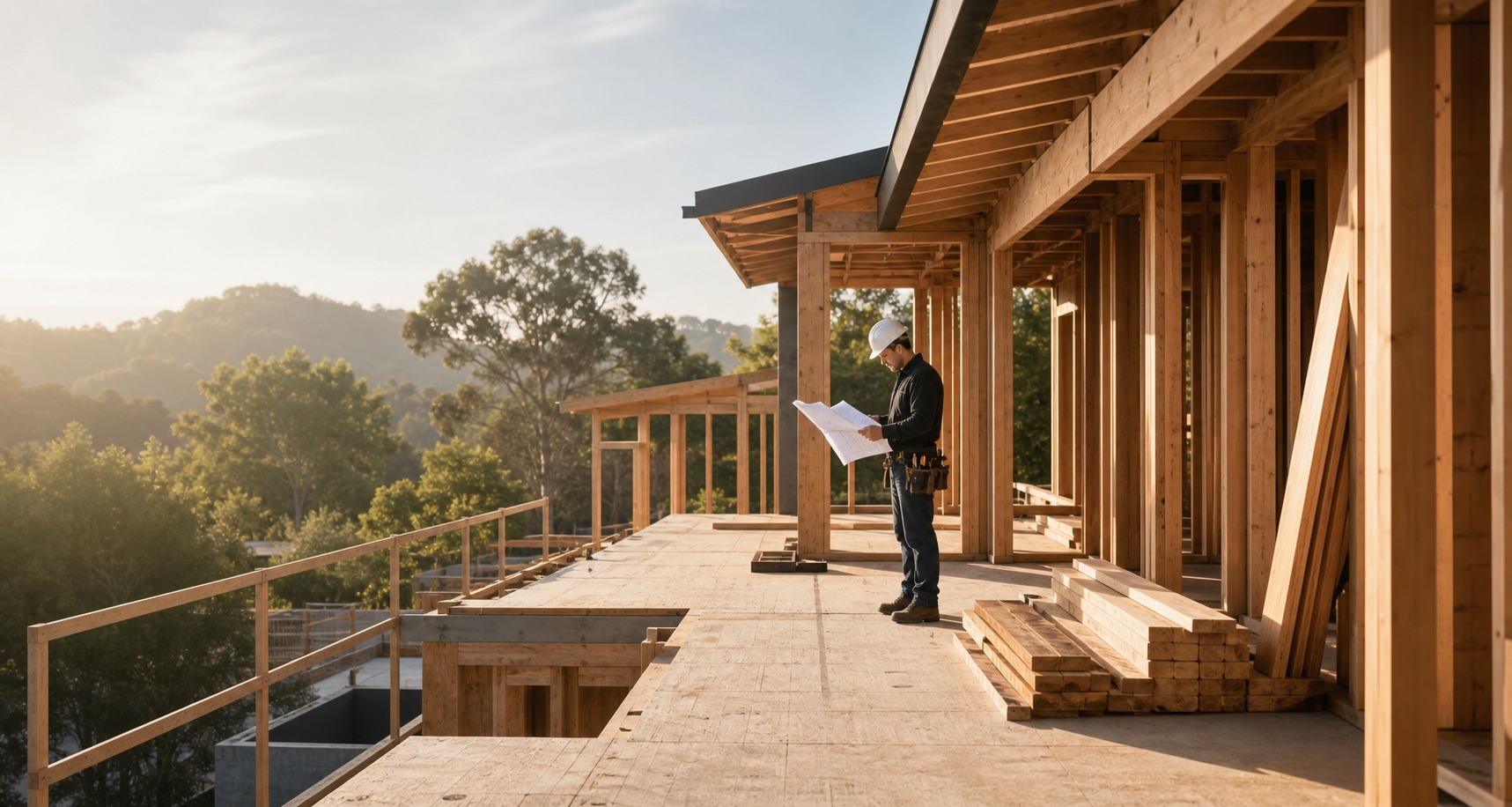
Built around real project flowOffice clarity should survive contact with the field.
Office, field, and client—connected
Know what is happening before the problem becomes expensive.
The job changes every day. ProBuilder OS keeps tasks, schedule commitments, daily logs, financial impacts, and client-facing information tied to one project, so the team can act with the same context.
- See near-term commitmentsPut site visits, inspections, tasks, and project milestones in a shared view.
- Capture field realityRecord workers on site, completed work, deliveries, issues, and next steps.
- Connect operational and financial impactKeep category budgets, commitments, actual and paid costs, collections, changes, and forecast margin visible by project.
Clear views for every responsibility
One system does not mean one screen for everyone.
People should see the work they own, while leadership keeps the visibility required to run the business.
Owners & admins
Company-wide pipeline, projects, money, risk, team activity, and access control.
Sales & estimating
Assigned leads, follow-ups, site visits, scope, proposals, decisions, and handoffs.
Project & field teams
Assigned jobs, tasks, schedules, logs, documents, issues, and project financials in responsive project views. The Pro mobile app is in store-release preparation.
Clients
Protected progress, schedule, payments, changes, documents, and messages.
Plans that grow with the company
Start on Pro. Choose the right operating depth later.
Every new company gets a 14-day Pro trial without entering a card. Prices below are the published plan rates; creating a trial does not begin paid billing.
Solo
A connected operating system for an owner-operator getting organized.
$49/ month
$490 annually · two months freeOffice access1 office userAvailable now
Field seat allowanceUp to 5 field usersPublic field-app access coming soon
- Unlimited leads, customers, estimates, proposals, and projectsAvailable now
- CRM, lead pipeline, and follow-up activityAvailable now
- Total-price proposals and client-ready documentsAvailable now
- Unlimited project photos and documents, plus basic payments and expensesAvailable now
- Projects, tasks, schedules, files, and client portalAvailable now
- Up to 5 field users with the dedicated field workspaceComing soon
Pro
Team-wide sales and project coordination for a growing residential builder.
$149/ month
$1,490 annually · two months freeOffice accessUp to 10 office usersAvailable now
Field seat allowanceUnlimited reasonable field usersPublic field-app access coming soon
- Everything in SoloAvailable now
- Salesperson workspaces and company activity oversightAvailable now
- Daily logs, change-order approvals, client communication, and invoicesAvailable now
- Project cost ledger, category budgets, earnings reports, and CSV exportAvailable now
- Price books, purchasing workflows, and advanced automationsComing soon
- AI-assisted proposal scope drafting · up to 250 actions each month when enabledLimited rollout
Business
More control and scale for established companies with multiple departments.
$299/ month
$2,990 annually · two months freeOffice accessUp to 25 office usersAvailable now
Field seat allowanceUnlimited reasonable field usersPublic field-app access coming soon
- Everything in ProAvailable now
- Advanced permissions and multi-location controlsComing soon
- Custom workflows and conditional automationsComing soon
- Executive reporting, forecasting, API, and webhooksComing soon
- AI-assisted proposal scope drafting · up to 1,500 actions each month when enabledLimited rollout
AI-assisted scope drafting, controlled rollout
Start with a draft. Keep the contractor in control.
Eligible Pro and Business workspaces can generate an editable proposal-scope draft from a contractor-written project brief and selected project characteristics. Known client, address, price, payment, and file details are redacted before the provider request, and the contractor must review, edit, and confirm the result before saving it as proposal scope.
Help shape the AI roadmapLimited rollout
AI-assisted proposal scope drafts for eligible Pro and Business workspaces
Coming soon
Lead summaries and next-action drafts
Coming soon
Project risk and margin explanations
Coming soon
Call and field-note summaries
Coming soon
Schedule dependency warnings
Coming soon
Drafted client updates and follow-ups
Two clear ways to begin
Create a workspace now—or build with us more closely.
The self-serve Pro trial is open to company owners without an application or payment card. Contractors who want a guided walkthrough and a direct feedback loop can also apply to the optional Founding Builder Program.
- 14 days of Pro access without entering a card
- Email verification and guided company setup
- Clear available-now and coming-soon labels
- Optional product walkthrough and direct feedback
- No paid subscription created from trial signup
Free contractor tool
Open the free scope templateDefine the construction scope before you price the proposal.
Start with a practical scope structure, then use the kitchen or bathroom builder to create a phased contractor-review draft with clear boundaries and unresolved decisions.
Straight answers
Know what you are joining.
What is ProBuilder OS?
ProBuilder OS is residential construction management software that connects lead management, estimating, project operations, schedules, financial controls, team responsibilities, and client communication in one system.
Who is ProBuilder OS built for?
The initial product is being built for custom home builders, remodeling contractors, ADU and home-addition contractors, and other residential construction companies that need a stronger lead-to-project operating process.
Is ProBuilder OS available today?
Yes. Company owners can create a workspace and begin a 14-day Pro trial today. Core CRM, pipeline, estimating, project, task, schedule, daily log, team, activity, financial, and client-portal workflows are available. Pro and Business include a project cost ledger, category budgets, project and company earnings views, and CSV cost export. AI-assisted proposal scope drafting is in a controlled rollout for eligible Pro and Business workspaces. Connected Pro and Client mobile builds are preparing for public store distribution, while advanced automations, accounting integrations, custom analytics, and offline field operation remain clearly labeled on the roadmap.
Do I need approval before creating a workspace?
No. You can start the 14-day Pro trial without an application or payment card. The Founding Builder Program is an optional guided-feedback track for contractors who want a product walkthrough and a direct voice in roadmap priorities.
What happens when the 14-day trial ends?
Creating a trial does not start a paid subscription or authorize a charge. Your company records remain attached to your workspace, and ProBuilder OS will show plan and billing status clearly before any paid activation.
14-day Pro trial
Put your next handoff in one connected workspace.
Create your company workspace without a payment card. Trial signup does not begin a paid subscription, and roadmap capabilities stay labeled until they are ready.